Export Sales Router chats to Google Sheets
Connect a Google account and every chat Sales Router sends to an agent is added as a new row in your own spreadsheet. No code needed. Pro and higher plans.
Updated October 12, 2026
The Google Sheets export writes one row for every chat Sales Router sends to an agent or to the fallback number. It runs separately from the redirect, so a problem with Sheets never slows down your short links.
Connect a spreadsheet
- 1
Start the connection
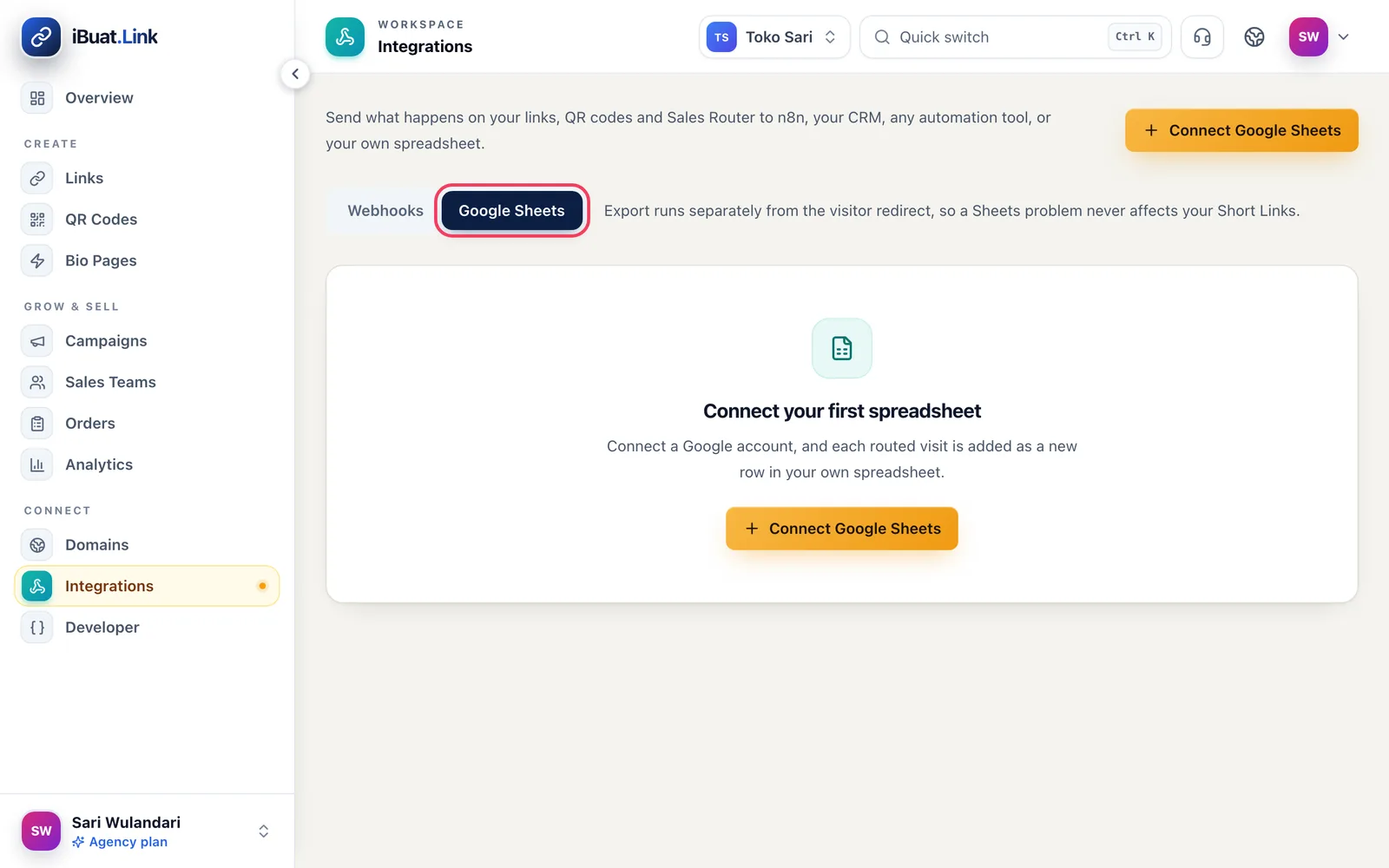
Open Integrations, click the Google Sheets tab, then Connect Google Sheets. Sign in to Google and allow access.
- 2
Pick the file
In the Connect a spreadsheet window, click Choose spreadsheet from Google Drive and select the file in Google’s picker. iBuat.Link only gets access to that one file.
- 3
Pick the tab and team
Choose the Worksheet (tab) and, if you like, one Sales Team instead of All Sales Teams. Click Save spreadsheet.
- 4
Send a test row
Click the paper plane icon (Send test row), then check your sheet. A test row has “Test row” in the Team column.
Closed the window before saving? The connection shows Pending setup. Click Finish setup to pick the file.
What each row contains
| Column | Example |
|---|---|
| Time (UTC) | 2026-10-12T03:15:00.000Z |
| Team | Sales East |
| Agent | Rina, or “Fallback” |
| Link | sales-east |
| Campaign | Spring Sale |
| Assignment mode | ROUND_ROBIN, WEIGHTED or FALLBACK |
| Sticky reused | yes or no |
| Ref | IB-7F3A09C2D1 |
iBuat.Link doesn’t write a header row. Add your own headers in row 1 if you want them, and don’t move the columns. Rows never include visitor IPs, WhatsApp numbers, messages or sale values. For closings, use a webhook.
Pause, check or disconnect
- Enable / Disable pauses new rows without losing the connection.
- Logs shows each export with the same statuses and retries as webhooks: about 3 hours of retries, then an email to the owner.
- Disconnect revokes iBuat.Link’s access on Google’s side and removes exports still waiting.
- Pro includes 5 connections, Business and Agency 15.
Related articles
- Webhook deliveries, retries and failuresHow to read a webhook’s Logs, how long iBuat.Link keeps retrying, what happens when a delivery fails for good, and how to send a test.
- Create a Sales Team for WhatsApp chatsA Sales Team shares new WhatsApp chats between your agents. Create the team, add agents, then point a short link at it with the Sales Router destination.
- Add a webhookA webhook sends an HTTPS POST to n8n, your CRM or your own server when something happens in iBuat.Link. Available on Pro and higher plans.
Still need help?
Send us a ticket from your dashboard: the headset button at the top right, then Contact support. We reply there and by email.