Give each agent their own page
The agent link opens a private page where an agent sees the chats sent to them, marks sales and sets their status. No account or password needed.
Updated October 12, 2026
Every agent can have a private page, opened from a link you send them. They don’t need an iBuat.Link account.
Make and send the link
- 1
Open the team
Go to Sales Teams and click Open on the team.
- 2
Click Agent link
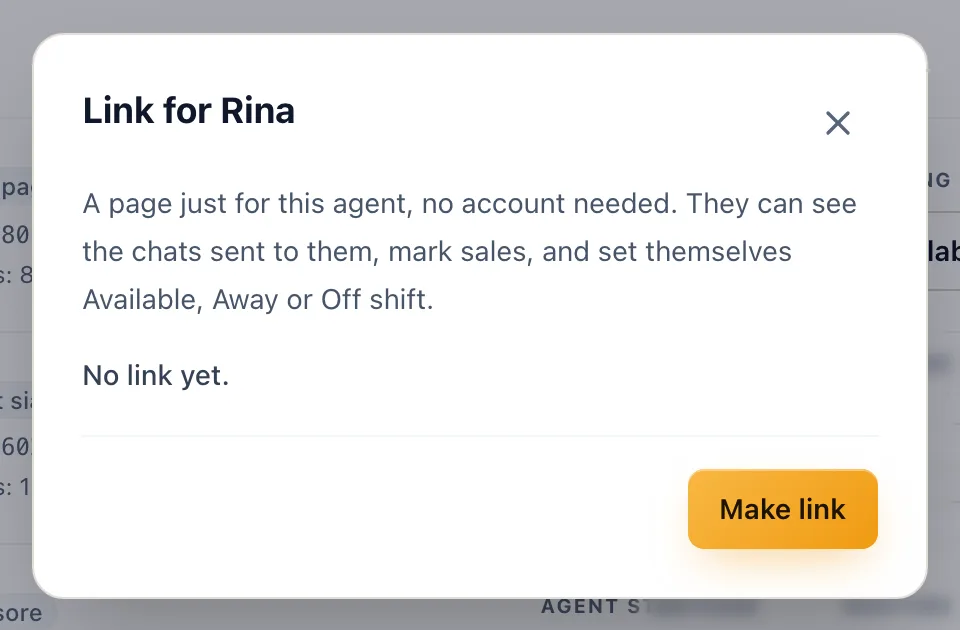
In the agent’s row, click Agent link, then Make link.
- 3
Copy or send it
Use Copy link or Send by WhatsApp. For safety the link is shown only once. Lost it? Make a new one anytime.
What the agent sees and can do
- Your status: set themselves Available, Away or Off shift.
- Your chats, last 30 days: the chats sent to them, newest first, with the time, the link or campaign it came from and its Ref code. They can search by Ref, and pasting the whole WhatsApp message works too.
- Mark as sale: record a sale value for one of their chats, change it with Edit, or undo it with Not a sale. A closing you or the API recorded is shown but can’t be changed by the agent.
- Recording sales needs the Pro plan or higher on your account. Below that, the page says recording sales isn’t available and only the status works.
- They only ever see their own chats: never other agents’ chats or anything about the visitor.
- The page is in the same language as your dashboard.
Replace or turn off a link
- Make a new link turns the old one off straight away. Turn link off stops it without a new one.
- The link also stops working when the agent is set Inactive or removed, when the team is deleted, or while the team is paused for being over your plan’s limit.
- An agent with a working link shows Agent link · on in their row.
Related articles
- Set an agent to Available, Away or Off shiftAvailability pauses new chats for one agent without touching their settings. You, the agent on their own page, or your tools through the API can change it.
- Record a sale (closing) from a WhatsApp chatMark a routed chat as a sale with its value: find it by its Ref code, click Mark sale and enter the amount. Agents can do it on their own page, and your systems through the API.
- Add agents to a Sales TeamAdd each agent’s name and WhatsApp number, plus working hours, timezone and weight if you need them. Change any of it later with Edit, and set an agent Inactive when they leave, without losing their history.
Still need help?
Send us a ticket from your dashboard: the headset button at the top right, then Contact support. We reply there and by email.