What happens when you reach a limit
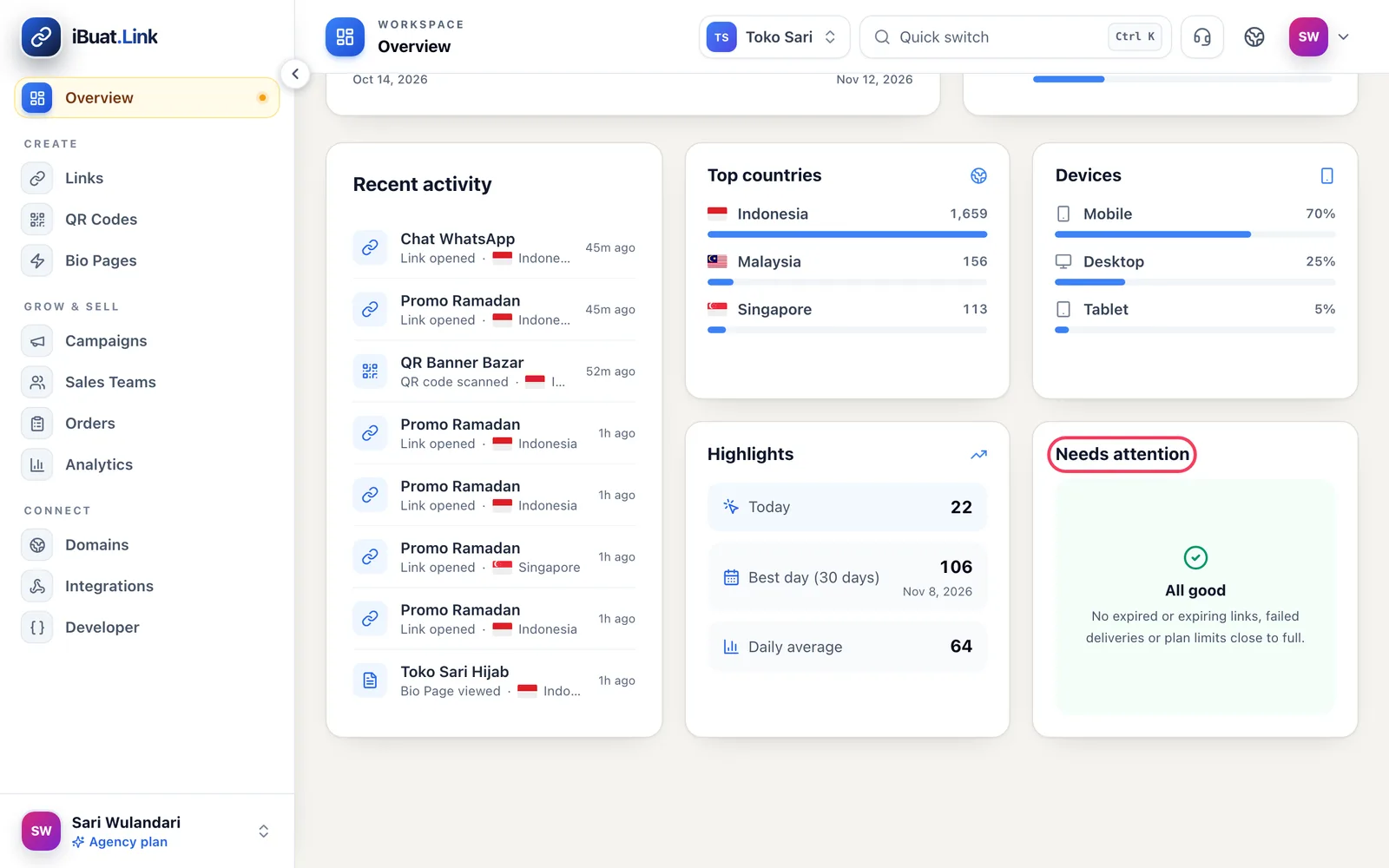
At a limit you can’t create more of that item, but everything you already made keeps working. At 80% the dashboard warns you on the Overview.
Updated October 17, 2026
Reaching a limit never takes anything offline. It only stops you from adding more of that item until you free a slot or upgrade.
Warnings before you get there
- At 80% of your short links, QR codes, Bio Pages, campaigns or Sales Teams, a row like “Links: 20 of 25 used (80%)” appears in the Needs attention card on the Overview. View opens Billing.
- The same card shows Tracked clicks this month as a bar that turns amber at 80% and red at 100%. Billing shows the same meter and the next reset date.
- For all of these, and for tracked clicks, webhooks can also send usage.limit_approaching and usage.limit_reached events. See webhook events.
At 100%
| Limit | Blocked | Keeps working |
|---|---|---|
| Short links, QR codes, Bio Pages | Creating new ones (dashboard, bulk import and API) | Every existing one, including redirects and edits |
| Product blocks on a Bio Page (Free: 3) | Adding another product to that page | Every product already on the page |
| Tracked clicks | Recording new visits in analytics | All redirects and scans; analytics you already have |
| Campaigns, Sales Teams, custom domains | Adding new ones | Existing ones |
| Webhooks, Google Sheets connections | Adding new ones | Existing ones keep delivering |
| Client workspaces (Agency), team members (Business and Agency) | Creating or inviting more | Existing workspaces and people |
| Orders per month | Creating new orders until the count starts over | Every existing order: moving it along, sending updates and its link |
When you try to create something over the limit, a Plan limit reached window offers the plan you need. Expired short links keep their slot until you delete them, so deleting old links frees room. The automatic campaigns iBuat.Link makes for you don’t count.
Tracked clicks reset monthly
Only Free (1,000) and Creator (100,000) have a click limit. It resets every month: on Free on the 1st, on Creator monthly from the day your plan started. Visits flagged as bots don’t count.
The monthly order count on Free (10), Creator (300) and Pro (1,000) starts over the same way: on Free on the 1st, on Creator and Pro monthly from the day your plan started. Deleted orders still count. See orders per month.
After a downgrade, everything above the new limits keeps working too; see Change or cancel your plan.
Related articles
- Plans and their limitsWhat Free, Creator, Pro, Business and Agency each include: links, QR codes, Bio Pages, tracked clicks, analytics history, domains, orders and more.
- Upgrade your planOpen Billing, compare plans and pick one. Visitors in Indonesia pay in Rupiah, everyone else by card in US dollars; the plan starts once the payment is confirmed.
- What the Overview page showsThe Overview is your workspace at a glance: plan usage, clicks, top links, recent visits, and a Needs attention card for anything you should fix.
- Delete a short linkDeleting a link stops it for everyone and frees a slot in your plan. It can’t be undone, and its slug can’t be used again.
Still need help?
Send us a ticket from your dashboard: the headset button at the top right, then Contact support. We reply there and by email.