See where your account is signed in
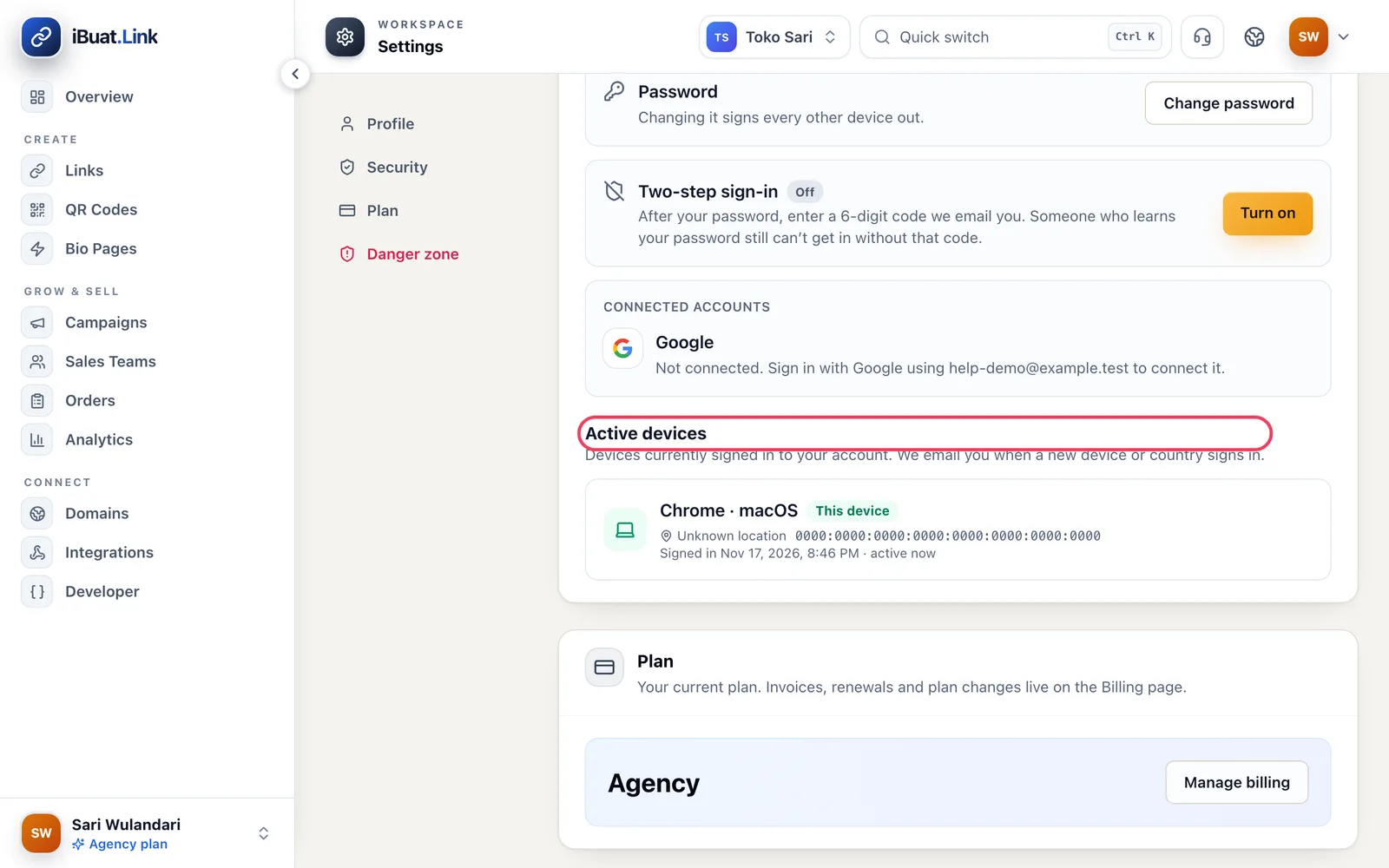
Account settings → Security lists the devices signed in right now, with location and IP. You can sign devices out from there, and we email you when a new device or country signs in.
Updated November 17, 2026
Click your name at the bottom of the sidebar → Account settings and scroll to Security. Active devices shows who has access to your account.
Active devices
The devices signed in right now: browser and system, city and country, IP address, when they signed in and when they were last active. Yours is marked This device. The first four show, and Show all … devices opens the rest.
- Sign out next to a device signs that one out.
- Sign out all other devices keeps only the one you are using.
New sign-in emails
When your account signs in from a browser or country it hadn’t used before, we email you (“New sign-in to your iBuat.Link account”). A new IP address alone doesn’t count, since phone and home connections change IPs all the time. With two-step sign-in on, a sign-in only counts once the emailed code was entered.
Related articles
- Change or reset your passwordSigned in, change it under Account settings → Security. Forgot it, use “Forgot password?” on the sign-in page to get a reset link that works for 1 hour.
- Turn on two-step sign-inAfter your password, iBuat.Link asks for a 6-digit code sent to your email. Turn it on or off in Account settings → Security.
- Recover an account you can’t sign in toLost access to your email or your sign-in code? Send a recovery request. The current address can cancel it, and our team reviews it after 7 days.
Still need help?
Send us a ticket from your dashboard: the headset button at the top right, then Contact support. We reply there and by email.