Delete your account
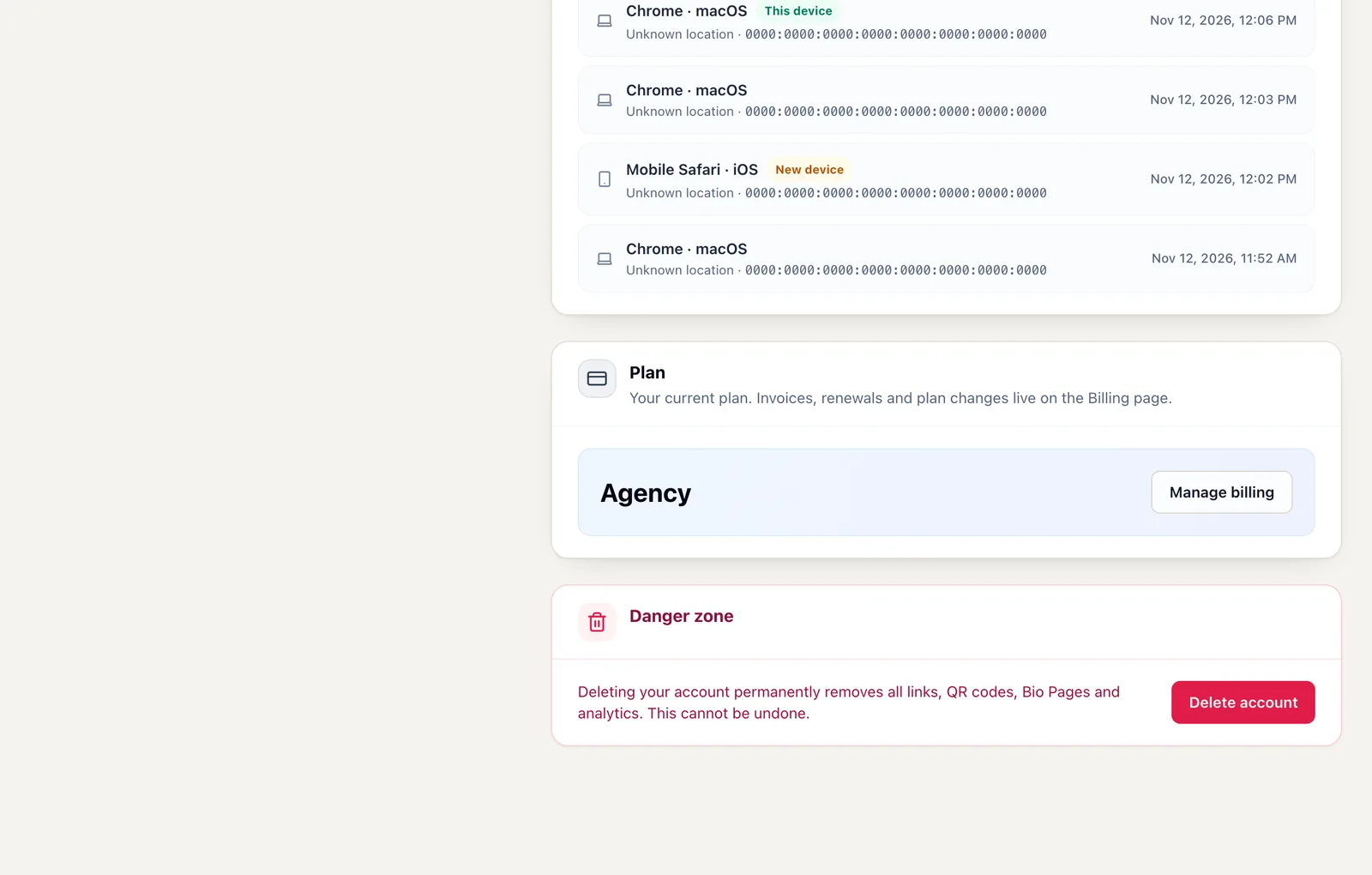
Delete it yourself from Account settings → Danger zone once any paid plan has ended. Everything is removed right away and can’t be undone.
Updated October 13, 2026
You can delete your account yourself. It happens at once: there is no waiting period and no way to undo it.
Before you start
- A paid plan must have ended, including the 7-day grace period after an unpaid renewal. On a card plan, click Cancel subscription on Billing and wait until the period you paid for is over. On a Rupiah plan, click Stop renewal on Billing: it ends on the last day you paid for, with no grace period. See Change or cancel your plan.
- A Rupiah payment in progress must be paid or expire first (within 24 hours).
- Accounts that are suspended, or hold content that was taken offline, can only be deleted by support.
- Want to keep your numbers? Export your analytics first.
Delete it
- 1
Open Danger zone
Click your name at the bottom of the sidebar → Account settings → Danger zone, then Delete account.
- 2
Confirm
Type Your account email and Your password, then click Delete account. Signed up with Google and have no password? Click Email me a code and type the code instead.
What is removed
- Your links, QR codes, Bio Pages, campaigns, Sales Teams and all their analytics. Your links stop working at once, and visitors see “Link Not Found”.
- Images you uploaded and your PDF exports. Custom domains are disconnected.
- On Agency, the client workspaces you manage are deleted too.
- In workspaces you joined as a team member, API keys you created are revoked, and your webhooks and Google Sheets connections are turned off.
Our payment providers keep their own payment records, as their rules require. You can try at most three times an hour.
Related articles
- Change or cancel your planUpgrades apply right away; downgrades and yearly-to-monthly switches wait for your next period. Canceling keeps paid features until the period you paid for ends.
- Export analytics as CSV or PDFExport CSV downloads one row per visit for the range and filters you have on. Save PDF (Creator and up) turns the page into a report you download from Exports.
- Contact supportOpen a ticket from the headset button in the dashboard header. Replies show up in the dashboard and in your email, usually within one business day.
Still need help?
Send us a ticket from your dashboard: the headset button at the top right, then Contact support. We reply there and by email.